Type one word before your question and you get a different kind of answer. Six of these codes change how the answer looks, and four change how it thinks.
Free. Just your first name and email, and it opens straight away.

Add your name and email and the whole guide opens straight away, right here on this page.
Six change how the answer looks and four change how it thinks. The prompts and examples are in the guide.
Part 1 · Change how the answer looks
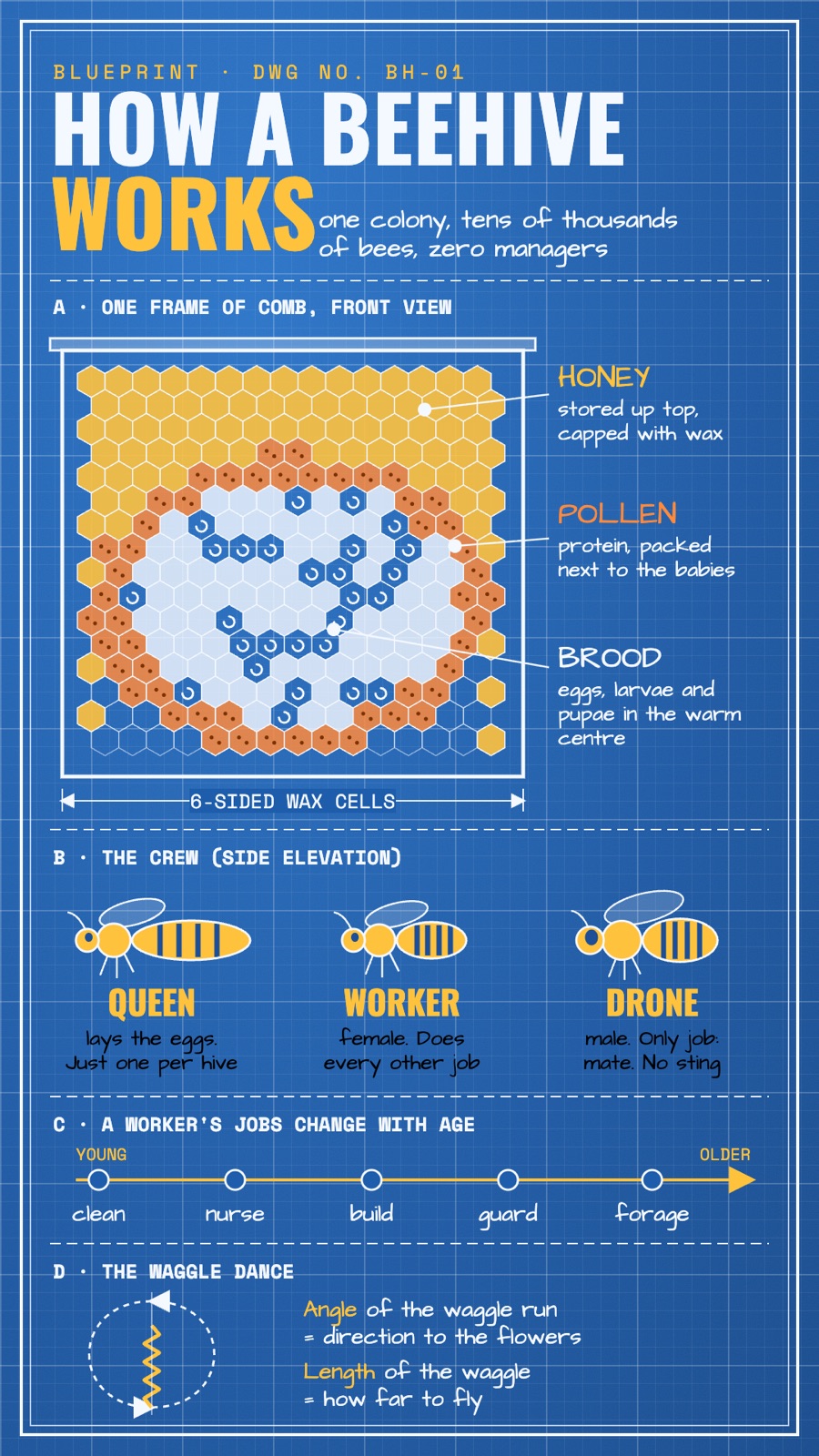
Pull it apart into its pieces
Every part labelled, like an instruction sheet.
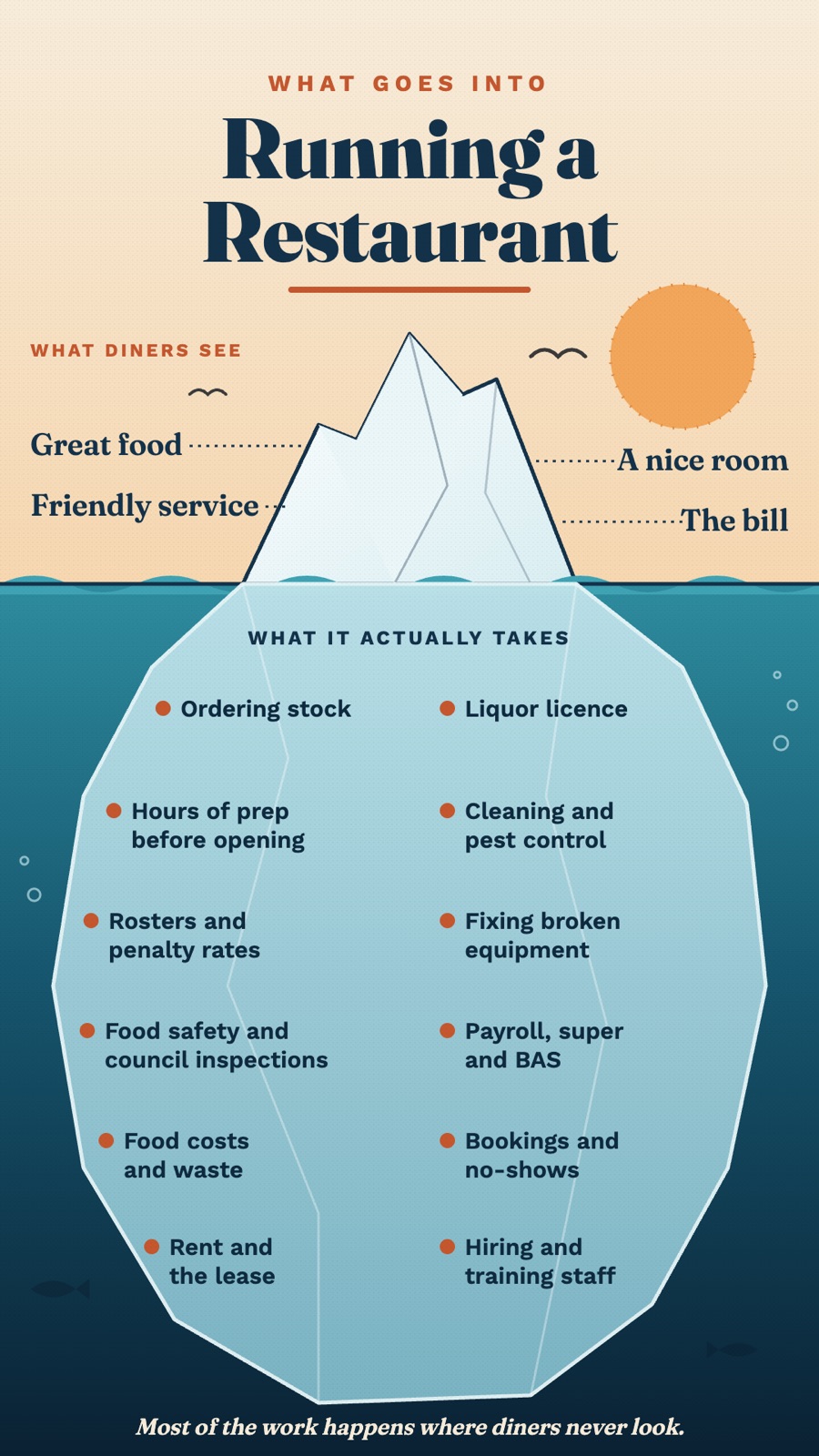
What people see, and what they don't
The work your customers never see.
Draw it like an engineer would
A technical drawing of how something runs.
Stack it outside to core
Great for packages from free to premium.
Notes with doodles
One page you'd stick on the staffroom wall.
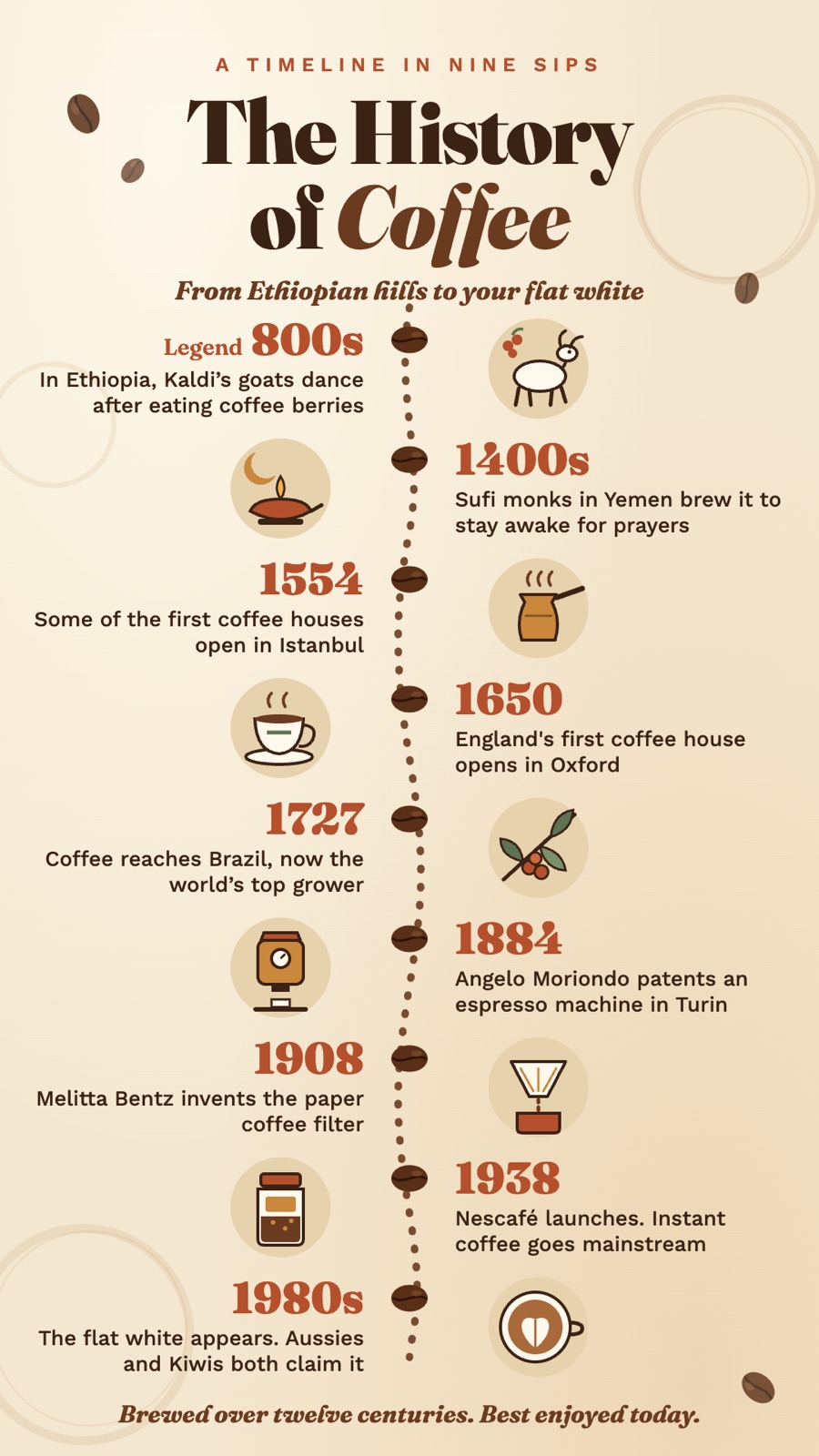
Put it in order
Your business story, date by date.
Part 2 · Change how it thinks
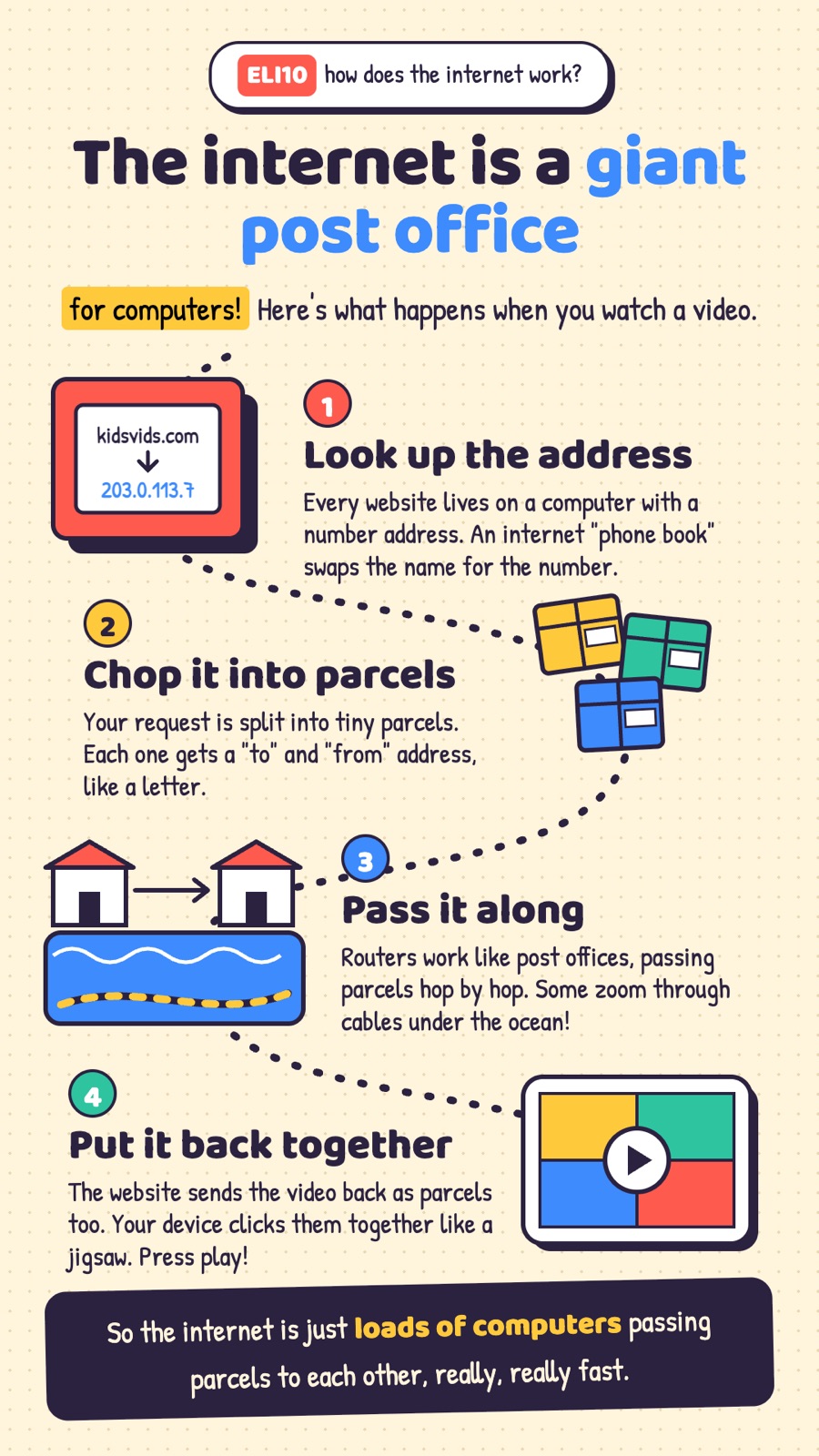
Explain it like I'm 10
Simple words for a new customer.
It asks. You work it out.
Handy for training a new staff member.
Sound like a person
Warmer, shorter replies to customers.
Stop agreeing. Tell me straight.
For before a big decision.


but the answers come back as a wall of text you don't read.
and customers still don't quite get what they're paying for.
and you'd rather hand them one clear page than a long document.
before a big decision, not an AI that agrees with everything.

People share these codes like they're secret commands. I wanted to know if they actually work, so I tried all ten in Claude. Each one went into a fresh chat with nothing else typed.
Some of them are really useful. And it turns out the slash doesn't do anything on its own. The word does the work, so "explain it like I'm 10" works the same as ELI10.
I put the prompts, what came out and one business idea for each into one guide. You can skip the testing and just use them.
I tested them in Claude. The words work in ChatGPT too, because it's the word that does the work, not the slash. For a hand-drawn look, ChatGPT or another app that makes images is the better pick.
The full guide opens on this page straight away. Ten codes, the exact prompts, the pictures and one idea for each. It stays open on the same phone or laptop when you come back.
Yes. Your first name and email, and the guide opens. No card, nothing to buy.
Yes. You type one word, then your question. That's it. Every code has an example you can copy and paste.
If you've already got prompts you love for this kind of thing, you probably won't learn much. It's for people who want quick wins in the AI app they already use.
Grab the codes and try one on something in your business today.
Get the codes free ↑
Brightwaters AISydney, Australia · hello@brightwaters.ai